✨ STUDENT OFFER: USE CODE JSK50 FOR 50% OFF • ✨ STUDENT OFFER: USE CODE JSK50 FOR 50% OFF • ✨ STUDENT OFFER: USE CODE JSK50 FOR 50% OFF • ✨ STUDENT OFFER: USE CODE JSK50 FOR 50% OFF •
Tailor CV
Cover Letter
ATS Checker

Tailor your CV and cover letter to your next NZ job.

Paste a Seek, LinkedIn, or TradeMe role and get a tailored NZ CV, cover letter, keyword match, and editable application workspace in minutes.

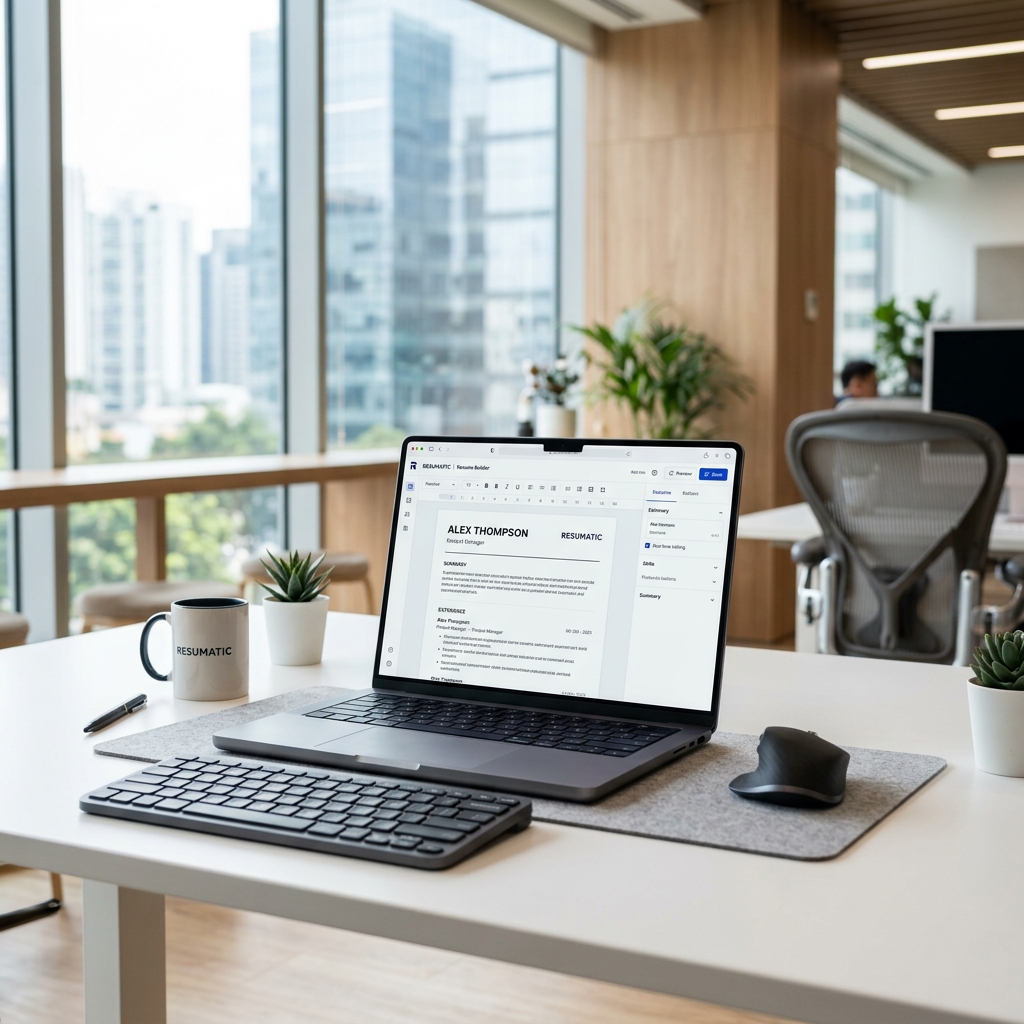
JobSeek AI Resume Builder Workspace NZ
Edit in one place Review before you export Check relevant keywords

Built for the NZ job market

Create and edit a CV and cover letter for the role you want. Review suggestions against your own experience before sending your application.

Start with the CV you already have

Keep your career history in one master CV. Use it as the starting point for each application, so you spend less time rewriting the same information.

Recruiter-ready wording

The assistant keeps your real experience intact, then improves wording, structure, and keyword alignment for New Zealand applications.

Show evidence of your work

Turn responsibilities into clear examples of your contribution. Add real outcomes, projects, or numbers that help an employer understand what you can bring to the role.

Three steps to a tailored application

01

See what the job calls for

Add a supported job link or paste the description. Compare the required skills and experience with your CV to see relevant keywords and gaps.

02

Review and edit suggestions

Review the tailored draft against your master CV. Keep the suggestions that fit, add your own evidence, and edit the cover letter until it sounds like you.

03

Check your application and export

Choose a template, check the layout, and download your application. Follow the employer’s requested file format; no template can guarantee an ATS result.

Master resume, tailored resume, and cover letter in one place

JobSeek is built around a reusable master CV. For every new role, paste the job description, compare the master against the tailored version, review keyword gaps, and decide which AI suggestions to keep.

Two-split resume editor Keep your master CV visible while editing the role-specific version.
NZ cover letter generator Generate a direct, human cover letter from your resume, company, role, and job description.
PDF and DOCX exports Download separate resume and cover letter files with clean naming for each company.
Template and field controls Upload a PDF or DOCX, fix extracted sections in fields, then choose a no-photo NZ resume template.
1
Upload master CVPDF, DOCX, or manual fields
2
Paste job descriptionSeek, LinkedIn, Trade Me, or any NZ role
3
Generate tailored documentsResume, cover letter, match score, and keyword gaps
4
Edit and exportKeep changes you trust, then download PDF or DOCX

Master CV vs generic builder vs JobSeek tailoring

A master resume stores your full career history. A tailored application selects the evidence most relevant to one role without replacing that source.

Application taskMaster CV onlyGeneric resume builderJobSeek application workspace
Starting pointOne broad document reused for multiple roles.A resume created from fields or a template.Your reusable master resume plus a specific job link or description.
Job relevanceYou identify and make every change manually.Usually focused on writing and formatting the resume.Compares the job requirements with your resume and surfaces relevant evidence and gaps.
Change controlThe original can be overwritten if copies are not managed carefully.Edits apply to the resume currently open.Keeps the master and job-specific application separate so changes can be reviewed.
Cover letterWritten and stored separately.Availability depends on the builder.Creates an editable role-specific cover letter from the same application context.
NZ job sourcesCopy information manually from each listing.No job source is required.Supports public SEEK, LinkedIn and Trade Me Jobs links, with pasted descriptions as the reliable fallback.
Final reviewEntirely manual.You review the finished resume.You decide which suggestions to keep before exporting separate documents.
For Candidates & Recruiters

Human-led AI for job applications.

We believe AI should not invent your story. JobSeek handles the tedious alignment, keyword matching, and formatting, then gives you clear suggestions so your real professional voice stays at the centre.

Start for free, upgrade as you go

AI actions use credits, with costs varying by action. Pay once for 30 days or choose a monthly subscription that renews until cancelled. Prices are in NZD; confirm the total at checkout.

Seeker
$24 $12
one-time
  • 60 AI credits
  • Advanced keyword matching
  • AI Cover Letter Engine
  • 2 Resume Formats
  • Application Management
Get Seeker
Hunter
$49 $24
one-time
  • 500 AI credits
  • AI writing assistance
  • All Resume Formats
  • Editable cover letters
  • Application tracking
Get Hunter

Using an AI resume builder for New Zealand jobs

Straight answers about job links, master resumes, tailored CVs, cover letters and exports.

How does JobSeek tailor a CV to a New Zealand job?

Add a supported job listing link or paste the complete job description. JobSeek compares the role with your master resume, identifies relevant keywords and evidence, and creates an editable tailored version for you to review.

Can I use a SEEK, LinkedIn, or Trade Me Jobs link?

Yes. JobSeek accepts public job listing links from SEEK, LinkedIn, Trade Me Jobs, and other websites. If a website blocks access, paste the complete job description instead.

Does JobSeek replace my master resume?

No. Your master resume remains the reusable source. Each job application can have a separate tailored resume so you can compare and review changes without losing the original.

Can JobSeek create a New Zealand cover letter?

Yes. JobSeek can draft an editable cover letter using your resume, the company, the role, and the job description. The final wording remains under your control.

Will JobSeek invent experience or qualifications?

It is designed to improve wording and relevance while keeping your real experience intact. Review every suggestion and add only evidence that is true for you. See more practical guidance in JobSeek resources.

Can I export my resume and cover letter?

Yes. You can edit your documents, choose a template, and export the resume and cover letter separately. Your private editor and account pages are not included in the public sitemap.

Get in touch

Need help with your CV, cover letter, or JobSeek account? Tell us what you’re trying to do and where you’re getting stuck.

Location

Auckland, New Zealand